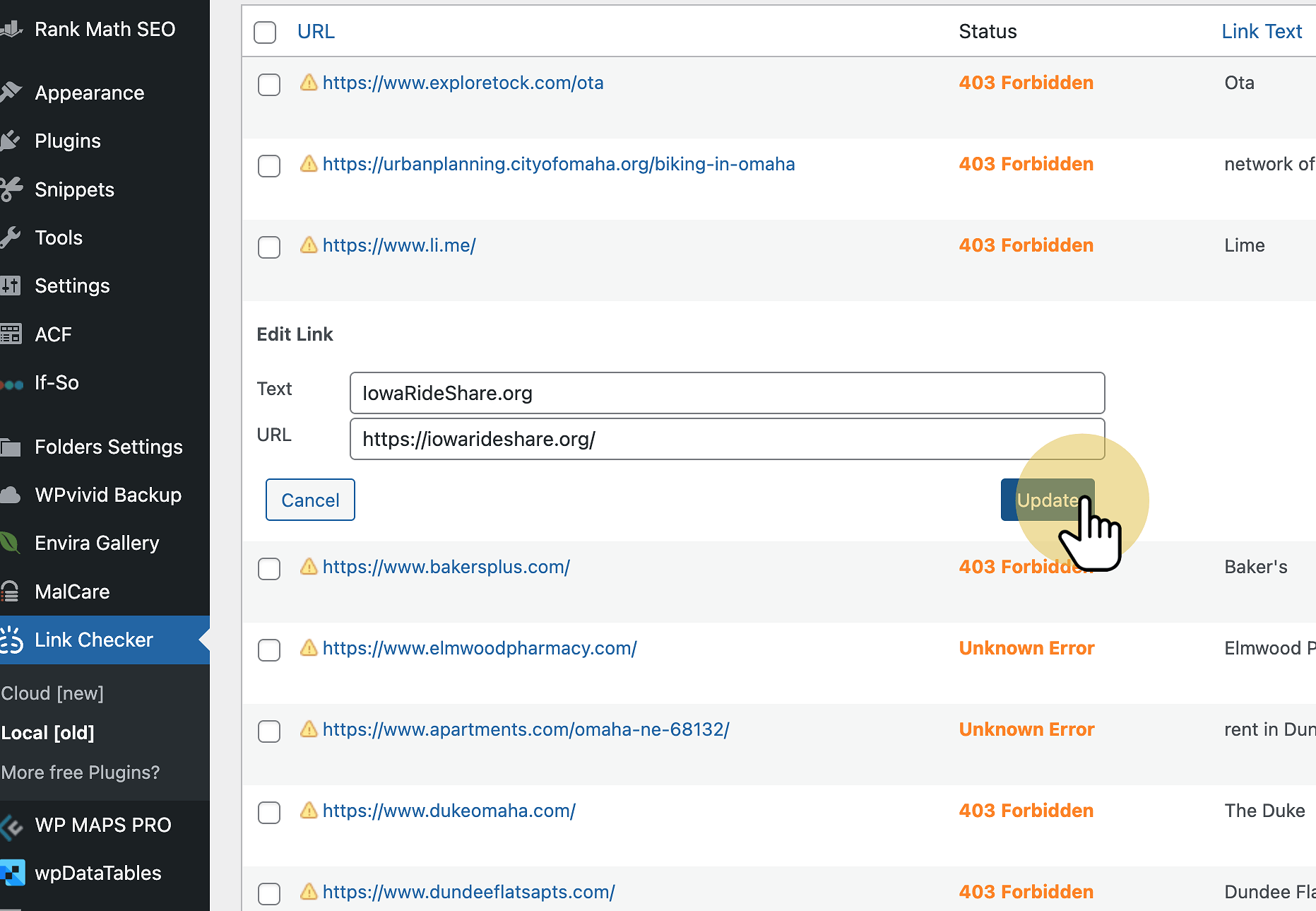
1. Click on Link Checker – Local
Make sure you click on local, not cloud.
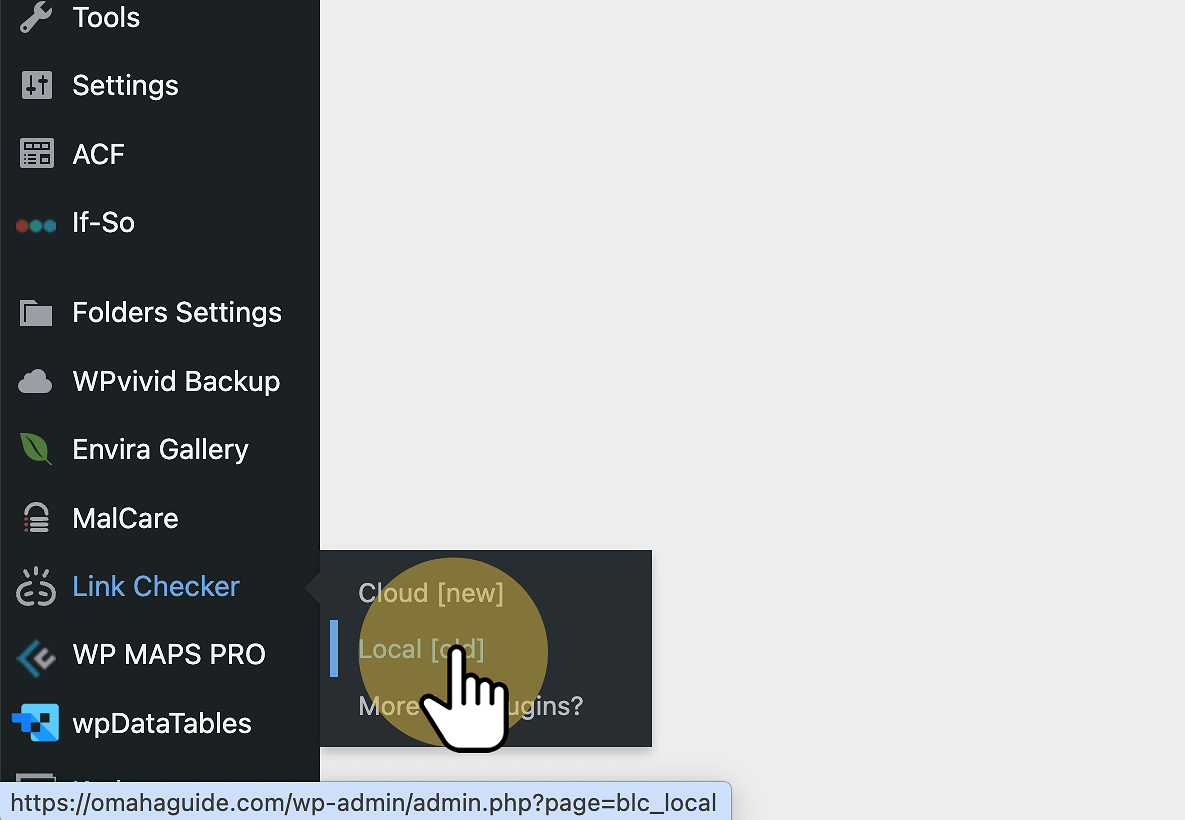
2. Look For 404 Links
404 links will be the highest priority because those links are in fact broken.
So you click on the link to see what it gives you and then try to find what the correct link is.
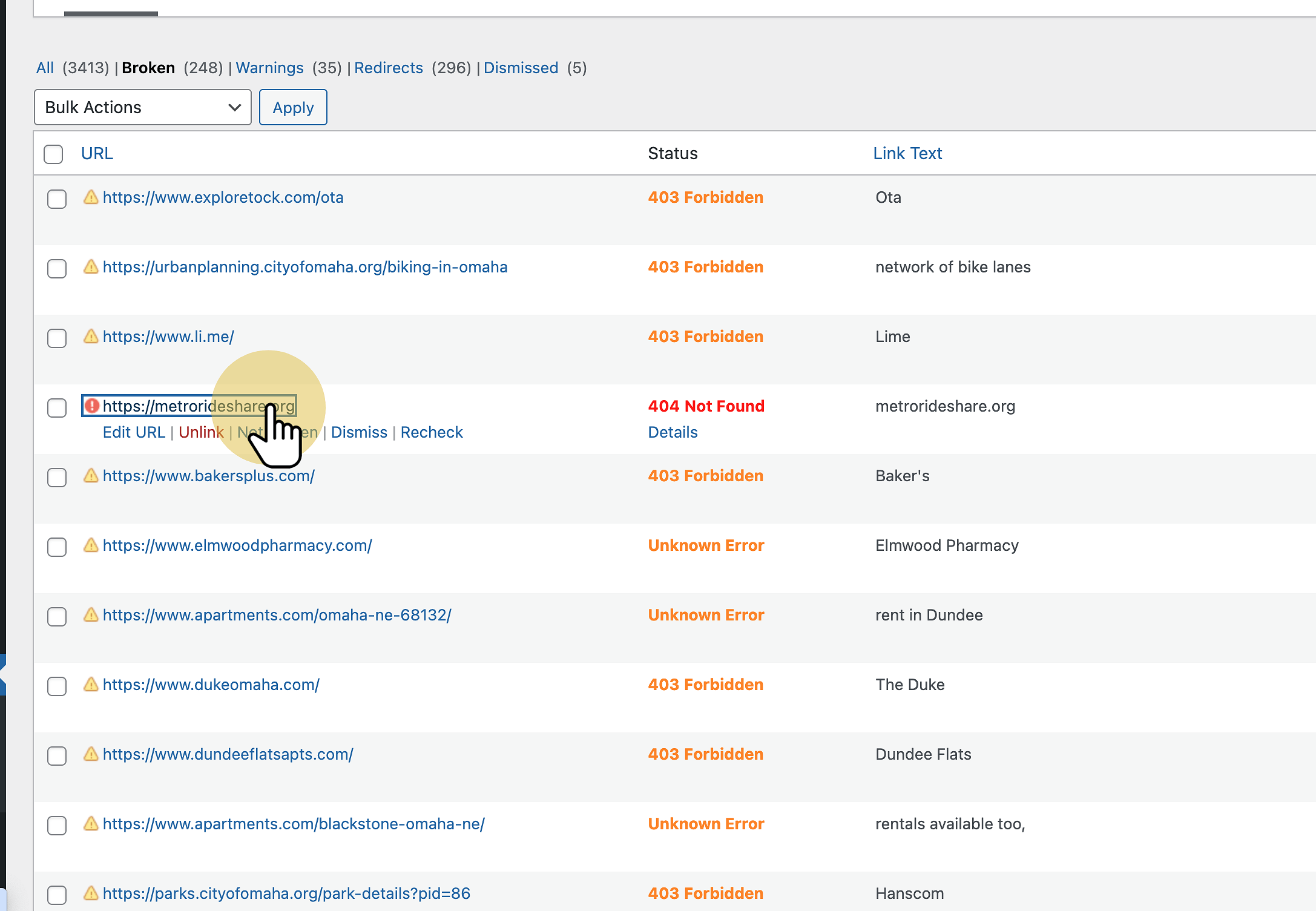
3. This URL is Broken
We verified that this link is in fact broken, and now we need to go to Google and search what the correct link is.
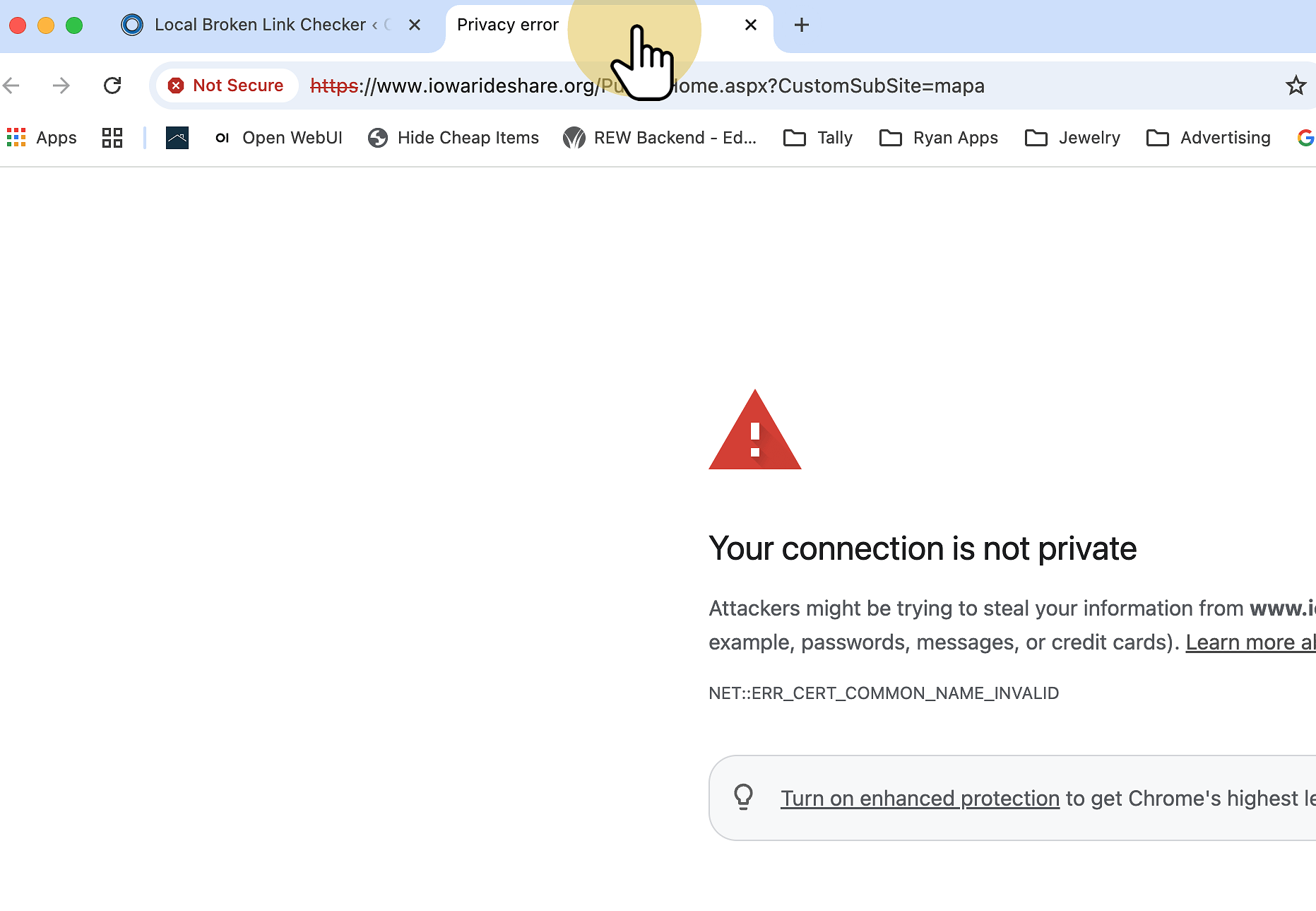
4. Search Google For The Business / Link
The link text column will instruct you on what the link name is about if you are confused.
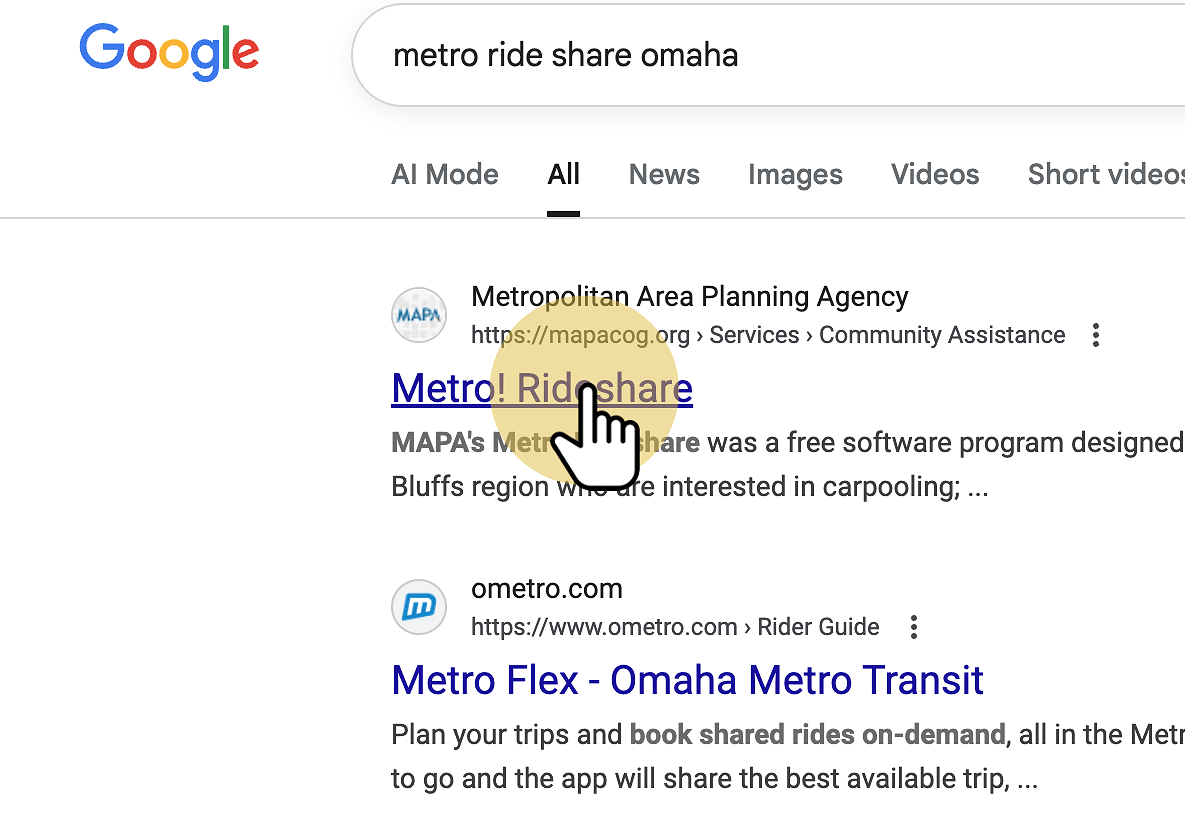
5. Here is the correct link
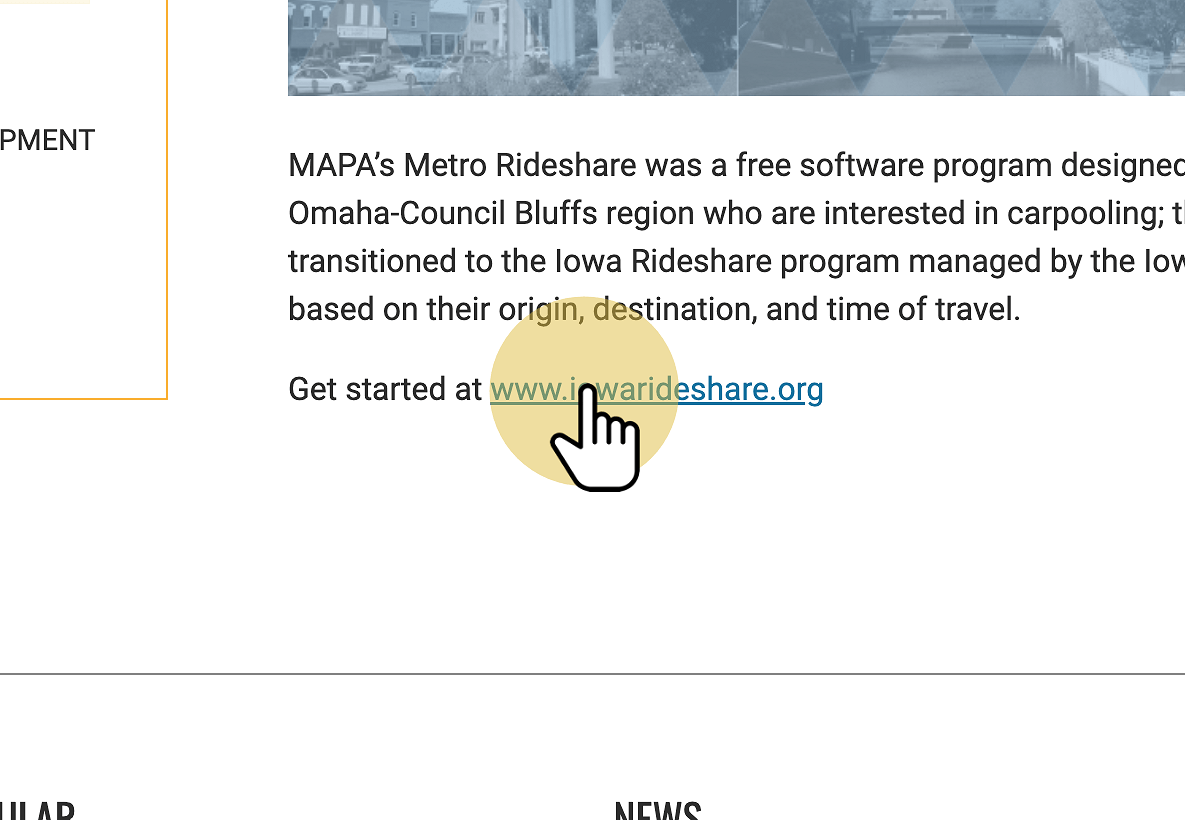
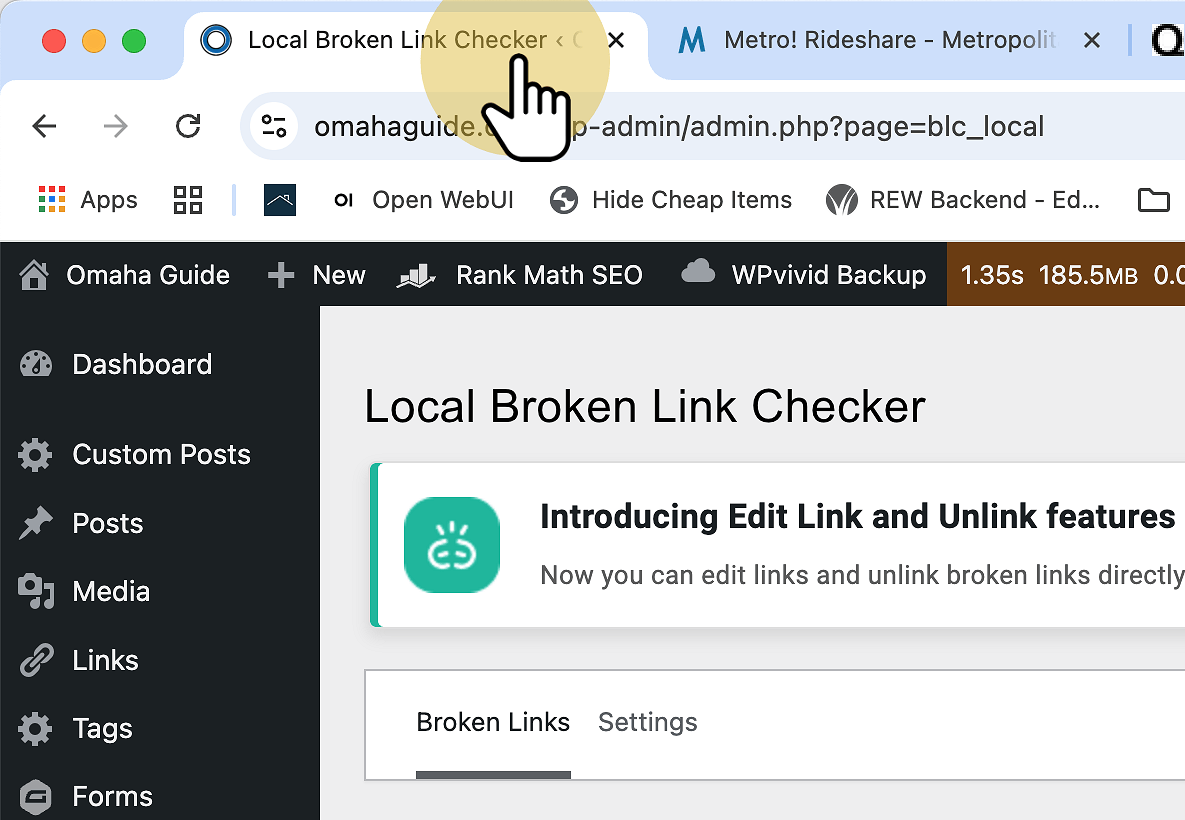
6. Click "Local Broken Link Checker ‹ Omaha Guide — WordPress"
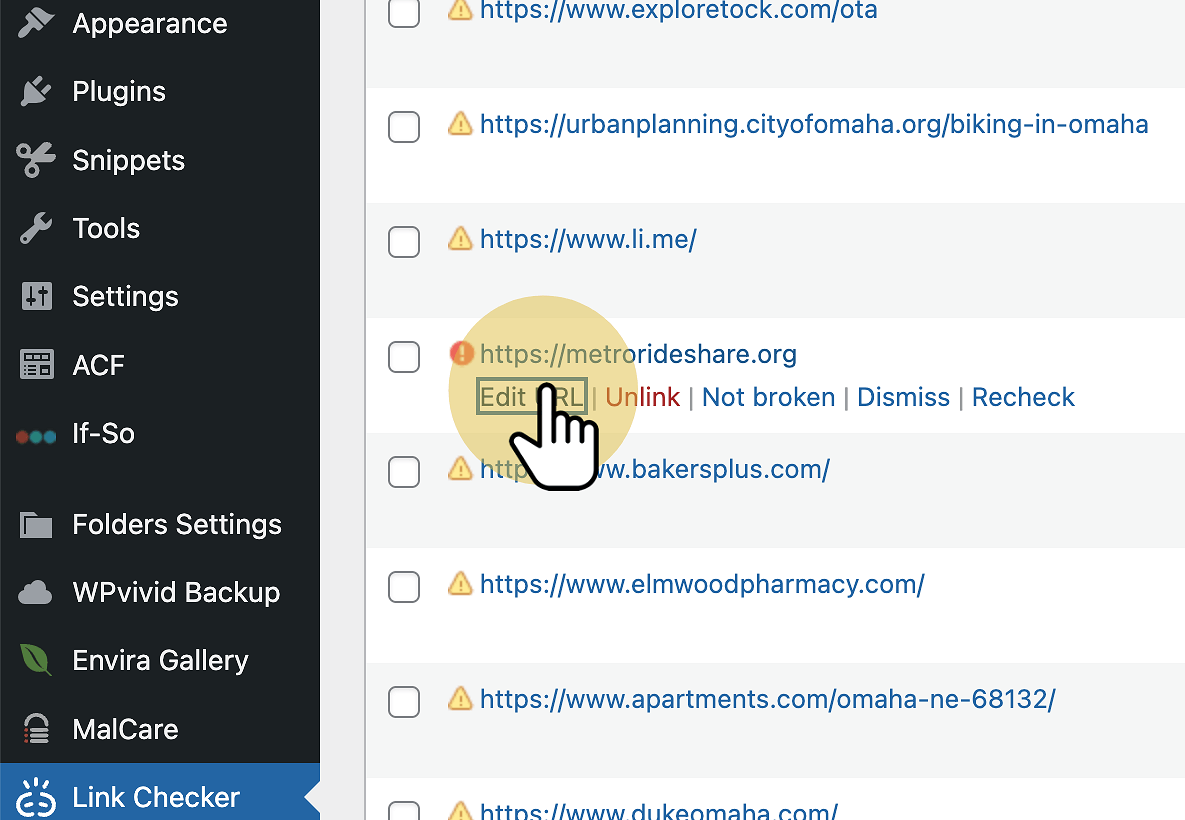
7. Edit URL
8. Paste Correct Link
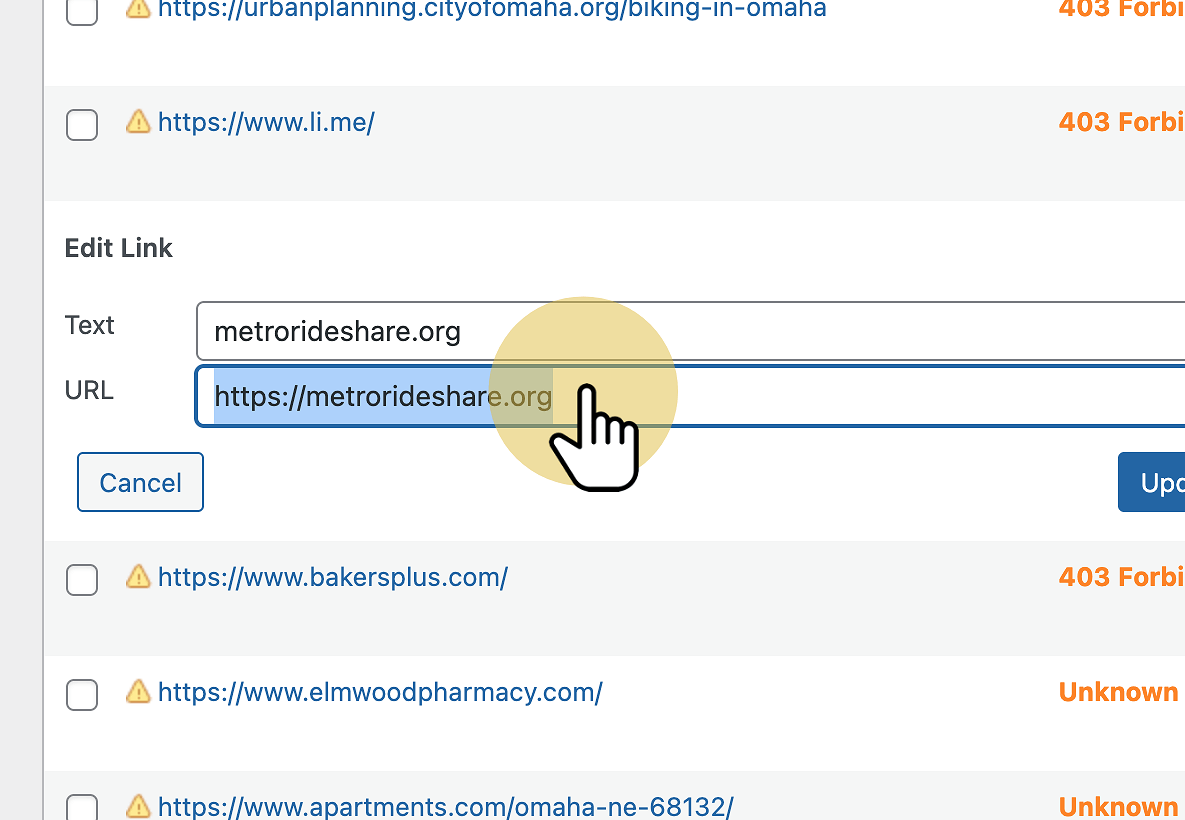
9. Text Change
In rare cases the link text needs to change as well. I’m going to change this link text because it’s incorrect.
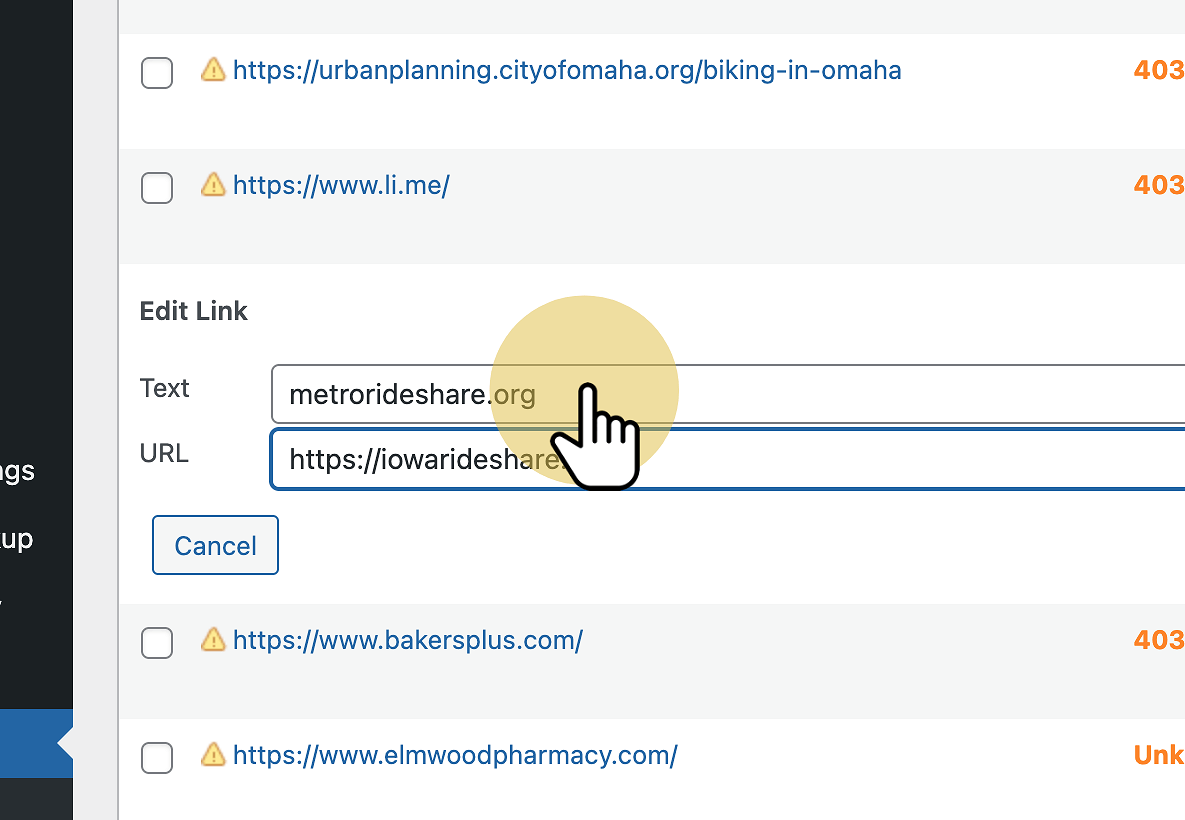
10. Click "Update" and Your Done